What it does
A crew tool for your trips: your schedule synced on the phone, with a home screen widget and Apple Watch.
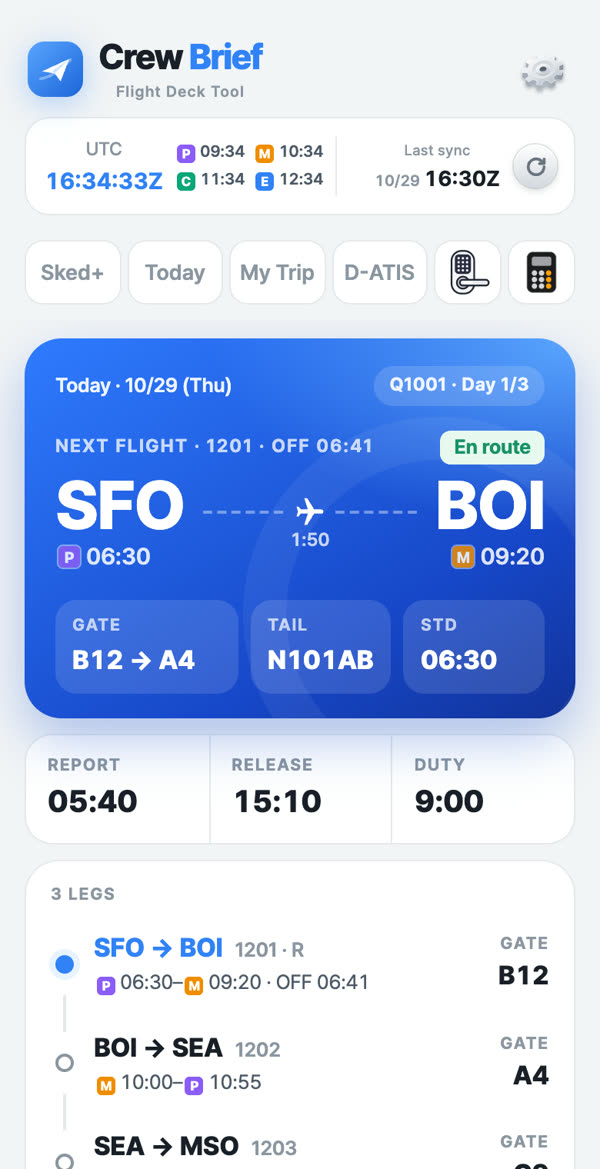
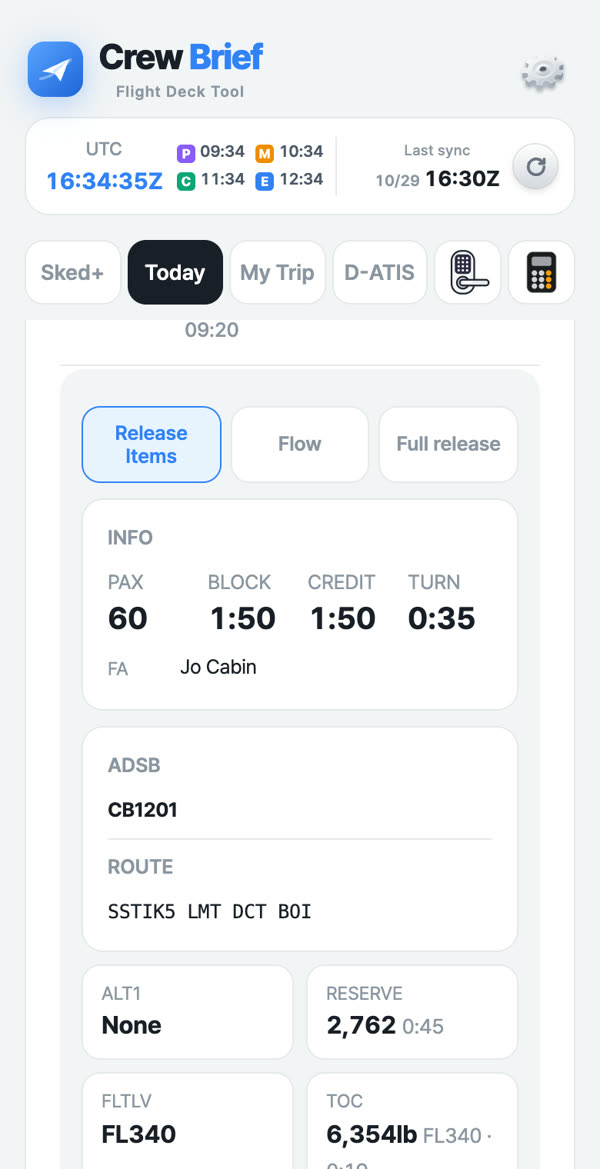
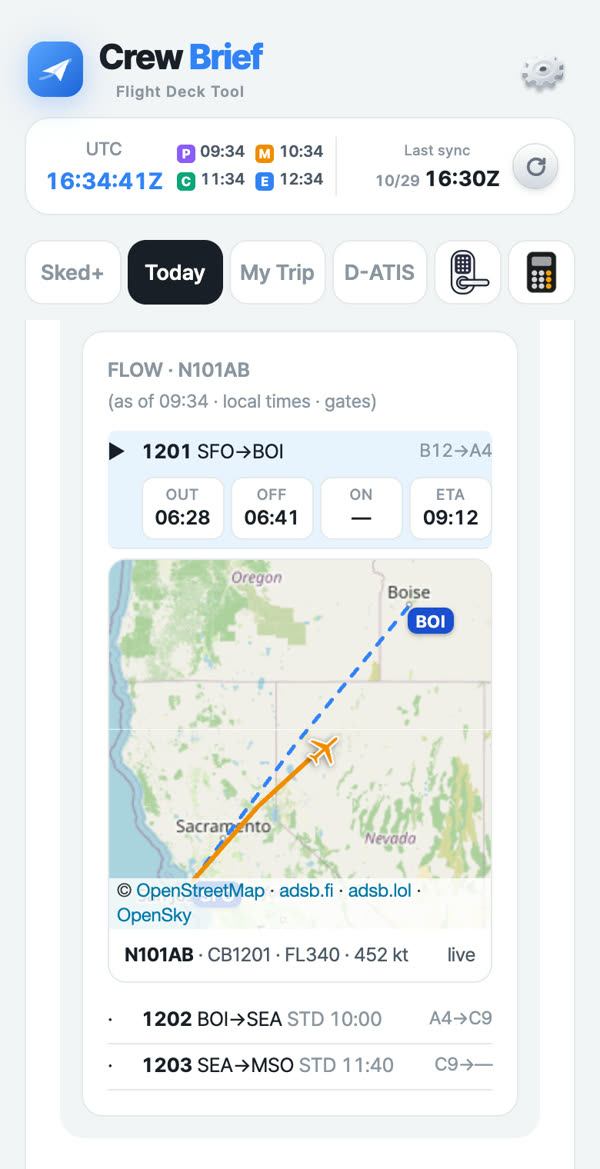
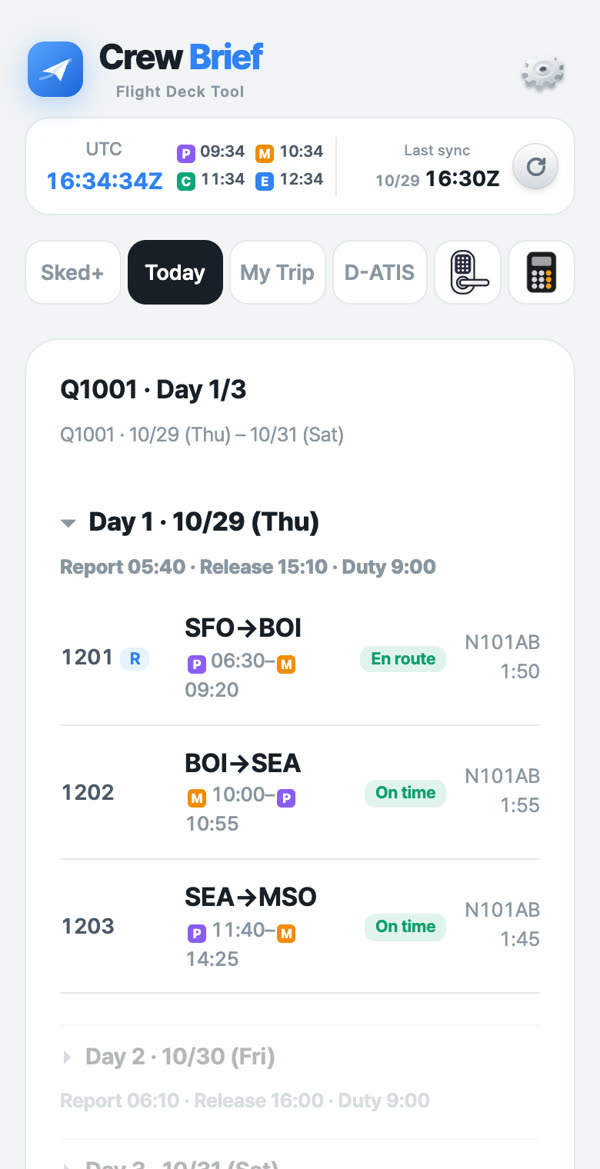
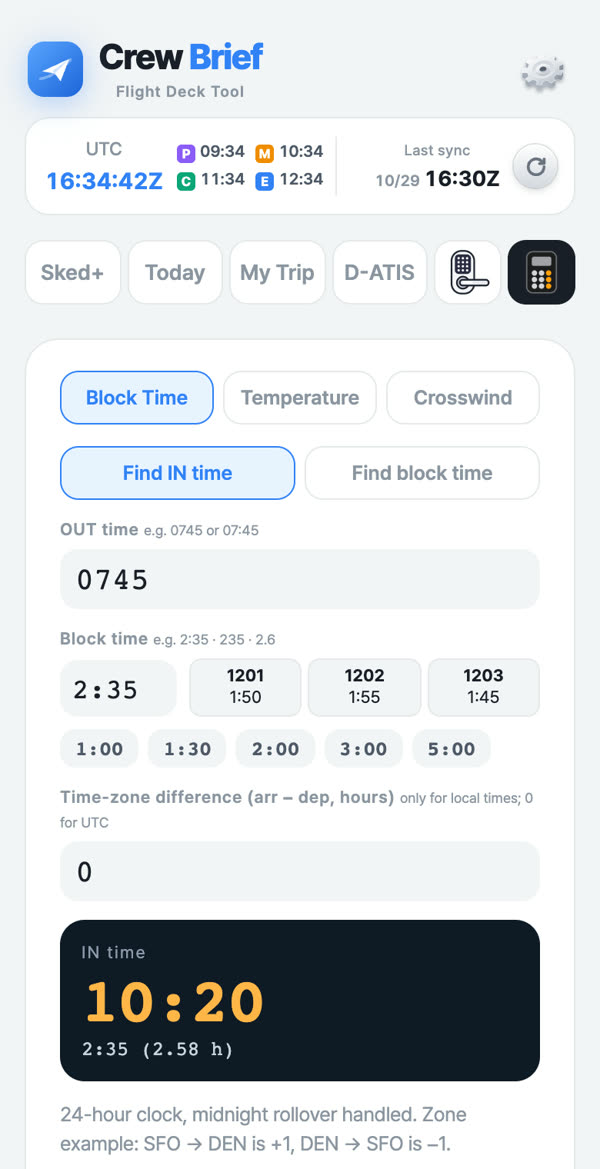
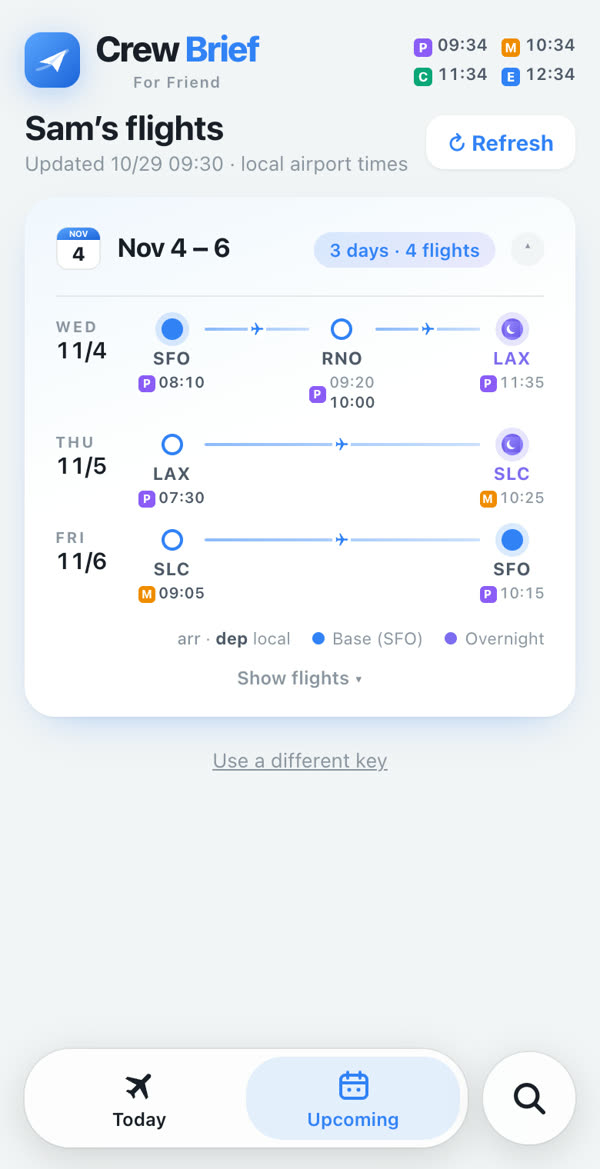
Swipe for more ›
Get the iPhone app
The iPhone app is shared through TestFlight, Apple’s free app for trying apps before they are on the App Store. It works like a normal app, with the home screen widget and Apple Watch.
- Send your Apple ID email and name below.
- When you are added, Apple emails you an invite from TestFlight (usually within a day or two).
- Install TestFlight from the App Store.
- On your iPhone, open the email, tap View in TestFlight, then Install.
- Updates come through TestFlight. Each build works for 90 days, and a new one comes before that.
On Android?
There’s no Android app, but Crew Brief works in your phone’s browser. Android setup ›
Request an invite
Use the email of the Apple ID on your iPhone (Settings › your name).